

Updated 15 minutes ago
Reliable BLE Pairing and Reconnection for Wearables
youhong
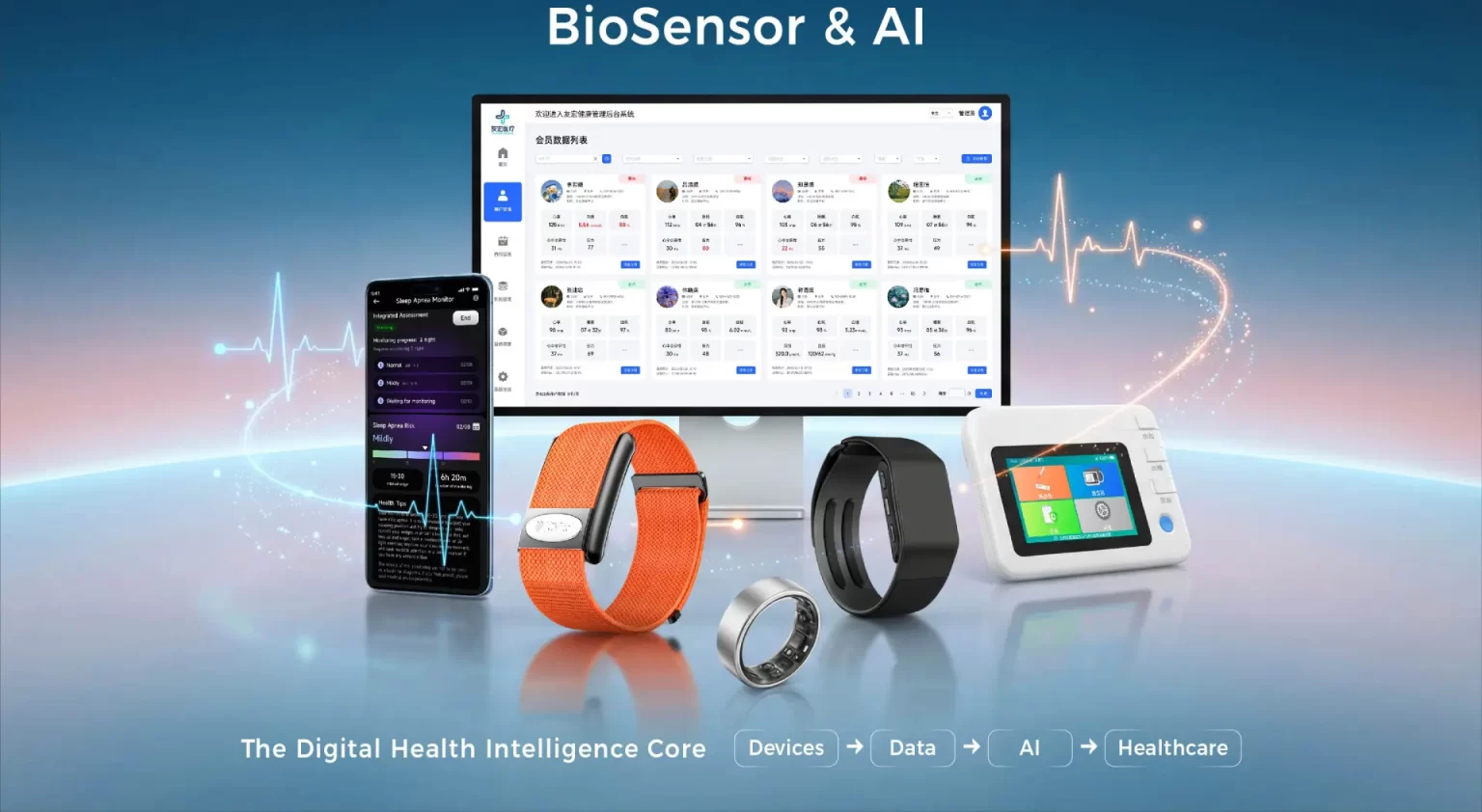
A reliable wearable BLE pairing and reconnection workflow treats discovery, connection, pairing, bonding, application binding and data recovery as separate states. The app and device should know which state they are in, what event moves them forward, when to retry, when to stop and what must be restored after interruption. Reliability comes from an explicit state machine, platform-aware behavior and repeatable acceptance tests—not from an unlimited reconnect loop.
Pairing Is Only One Part of Connection Reliability
In everyday product discussions, “pairing” often means everything from finding a device to seeing synchronized data. Bluetooth terminology is narrower. A mobile app may discover a peripheral, establish a connection and use GATT without creating a stored bond. Pairing establishes security parameters and keys for the current relationship; bonding stores long-term key material so the relationship can be recognized later. An application may also maintain its own account-to-device binding above Bluetooth.
The Bluetooth SIG Low Energy Primer explains that the Security Manager Protocol supports procedures including pairing, bonding and key distribution. The formal Bluetooth Security Manager specification defines pairing methods and phases. These standards describe the protocol toolbox; the product team must still decide which supported mechanisms fit the device, mobile platforms, user experience and threat model.
| State or relationship | What it answers | Typical evidence | Common failure |
|---|---|---|---|
| Discovered | Can the app see a candidate device? | Expected advertisement and filter match | Wrong device selected or scan times out |
| Connected | Is a BLE link established? | Platform connection callback | Connection drops before service setup |
| Paired | Were security parameters negotiated? | Protected operation succeeds under the intended method | Security requirements or I/O capabilities do not match |
| Bonded | Can stored keys support a later secure relationship? | Reconnect succeeds without unintended re-onboarding | One side loses or rejects stored keys |
| App-bound | Which user, tenant or program owns the device? | Authorized account-device record | Bluetooth connection exists but app ownership is wrong |
| Data-ready | Are services, subscriptions, time and sync state restored? | Expected GATT version and recovery checks pass | UI says connected while data remains stale |
This separation prevents a misleading “connected/not connected” indicator from hiding important failures. A phone can have a link while the app has not authenticated the device, enabled notifications, validated protocol compatibility or reconciled missing records.
Start with a Connection State Machine
Before implementing screens or retry timers, define the allowed states and transitions. The state machine should cover the wearable firmware, the mobile application and any SDK layer. If each component holds a different interpretation of the connection, the product will produce duplicate commands, stale UI, repeated scans and difficult-to-reproduce support cases.
- Idle: no active scan or connection attempt; prerequisites and permissions are evaluated.
- Discovering: the app scans under a defined filter, duration and user context.
- Candidate confirmed: the app validates product identity and eligibility before initiating ownership or security actions.
- Connecting: one controlled connection attempt is active with a timeout and cancellation path.
- Securing or binding: the supported pairing, bonding or application authorization workflow runs.
- Service setup: the app discovers the expected services, checks protocol compatibility and enables required subscriptions.
- Ready: supported commands and data synchronization may begin.
- Recovering: the system has lost the link or app state and follows a bounded recovery policy.
- Blocked: user action, reauthorization, reset, firmware compatibility review or support is required.
For every transition, document the triggering event, maximum duration, retry limit, cleanup behavior, user message and telemetry record. “Try again” is not a recovery design unless the team specifies what is reset before the next attempt.
Define Device Identity Before Reconnection
Reconnection requires a reliable way to recognize the intended device. A visible name is convenient for people but should not be treated as a unique or permanent key. Names can be duplicated, edited or truncated. Addresses and identifiers may also be represented differently by mobile platforms and may change under privacy mechanisms.
Define which identifiers are used at each layer: scan filtering, platform peripheral reference, Bluetooth identity where applicable, device serial or logical identifier, app binding record and backend ownership record. Also define how these identifiers are created, protected, rotated, restored and retired. The design should prevent a previously authorized account from silently controlling a device after a legitimate ownership transfer.
The related guide on BLE advertising versus GATT for wearable projects explains why discovery information and connected application data have different roles. A robust pairing flow connects those layers without assuming that an advertised name or a successful scan proves device ownership.
Separate First-Time Onboarding from Routine Reconnection
First-time onboarding may require device selection, physical confirmation, security negotiation, account authorization, time setup, initial configuration and a first synchronization. Routine reconnection should not repeat all of those steps. It should restore the minimum validated state needed for the next operation.
| Workflow | Expected user involvement | System responsibilities | Stop condition |
|---|---|---|---|
| First onboarding | Confirm intended device and any required account or physical action | Establish identity, security, binding, compatibility and baseline configuration | Device is authorized and data-ready |
| Short link interruption | Usually none | Retry within a bounded window, restore services and resume safely | Ready state restored or policy escalates |
| Device out of range | Clear status; optional guidance | Use a power-aware delayed recovery policy | Device returns, user cancels or retry budget expires |
| Phone restart or app relaunch | Usually none for a valid existing relationship | Restore known-device context and verify current authorization | Ready, blocked or re-onboarding required |
| Key or binding mismatch | Explicit recovery or ownership action | Fail safely; do not loop indefinitely | Approved reset/rebind flow completes |
| Firmware or protocol change | May require an update or support message | Check version compatibility before data operations | Compatible path selected or connection blocked |
Product requirements should distinguish a user-requested disconnect from an accidental drop. If the user explicitly unbinds or signs out, automatic reconnection may be inappropriate. The wearable, app and cloud should agree on how that intent is represented.
Make Retry Policy Bounded and Observable
An aggressive loop can waste battery, contend with other Bluetooth activity and hide the reason a connection cannot recover. A practical policy commonly varies by context: immediate short retries after a transient drop, then increasing delays, followed by a clear stop or user-assisted path. Exact timing should be tested for the actual hardware, firmware, phone models, operating-system versions and intended app states.
- Allow only the expected number of simultaneous connection attempts.
- Cancel or close stale connection objects before creating replacements where the platform requires it.
- Distinguish device unavailable, Bluetooth disabled, permission denied, security failure, protocol mismatch and application timeout.
- Record attempt number, elapsed time, app state, OS version, firmware version and failure stage.
- Use backoff and a retry budget appropriate to the operating scenario.
- Give the user a specific recovery action instead of a generic permanent spinner.
Android's official GATT connection guidance shows connection-state callbacks and documents the autoConnect parameter. Android also documents that background execution and process lifetime affect connection behavior. Apple documents connection callbacks, state restoration and, for supported platform versions, an automatic reconnection option. These APIs are not a substitute for an application state machine; platform behavior, availability and lifecycle constraints must be evaluated on the target versions.
Reconnect the Application State, Not Only the Radio
After a link returns, the previous application state may no longer be valid. The client may need to rediscover or validate services, confirm protocol and firmware versions, restore notification or indication subscriptions, check time, query device status and determine which historical records were already transferred.
Do not automatically replay every interrupted command. A write that changes a setting, starts a measurement mode, erases a record or acknowledges a transfer may not be safe to repeat. Commands should be classified as idempotent, conditionally repeatable or non-repeatable. Where the protocol supports it, transaction identifiers, sequence numbers and explicit acknowledgments can help the application distinguish a new request from a duplicate.
Data recovery is a separate design problem. Define the record identifier, timestamp source, cursor or checkpoint, duplicate rule, gap detection, backfill limit and conflict owner. The next planned article will examine offline storage and synchronization in depth; the immediate requirement here is that reconnection ends in a verified data-ready state rather than merely a link callback.
Design for Mobile Lifecycle and Permissions
A workflow that succeeds while the app is open on one test phone is not complete. Test foreground, background, screen-locked, terminated and relaunched conditions according to the supported product requirements. Also test Bluetooth off/on, airplane mode, permission changes, phone restart, competing peripherals and operating-system updates.
Apple's central-manager state restoration documentation explains how an opted-in app can receive preserved information for active or pending operations after relaunch. Android documents background connection options and restrictions that vary with OS version and process state. Product teams should translate those platform mechanisms into explicit supported scenarios rather than promising continuous background connectivity without qualification.
Protect Pairing, Reset and Ownership Transfer
Security requirements should begin with the intended use and threat model. Determine which operations require an encrypted or authenticated link, what user interaction the device can support, how application authorization relates to Bluetooth security and what information may be visible before a protected connection.
Reset and ownership transfer deserve the same attention as onboarding. Define who may remove a bond or app binding, whether a physical action is required, what data is erased, how the backend record changes and how the previous account loses access. A factory reset that clears only one layer can leave inconsistent keys, stale cloud ownership or a device that repeatedly rejects the new phone.
This article does not establish the security mode, pairing method, Bluetooth version or implementation of any specific J-Style model. Those details must be verified for the selected hardware, firmware, app architecture and project scope.
Wearable Pairing and Reconnection Acceptance Matrix
| Test scenario | Expected outcome | Evidence to retain |
|---|---|---|
| First onboarding with multiple nearby devices | The intended unit is identifiable and the wrong unit is not silently bound | Screen recording, scan log, selected identifiers and binding record |
| Connection drops during service setup | Partial state is cleaned up and bounded recovery begins | Connection timeline and state transitions |
| Connection drops during data transfer | Resume or restart behavior follows the data contract without silent loss or duplication | Packet/record sequence and final reconciliation |
| Wearable leaves and re-enters range | Recovery follows the specified retry and backoff policy | Time to ready, attempts and battery test context |
| Phone restarts | Supported relationship restores or shows a precise recovery path | OS/app logs and post-restart state |
| Bluetooth permission is revoked | The app stops retrying and requests only the necessary user action | UI result and absence of uncontrolled loops |
| Bond or binding is removed on one side | The mismatch is detected and handled safely | Error classification and approved rebind flow |
| Firmware or app version changes | Compatibility is checked before normal data operations | Version matrix and regression result |
| User unbinds or transfers ownership | Automatic reconnection stops and prior access is removed as designed | Device, app and backend state evidence |
| Low battery and charging states | Advertising, connection and recovery behavior match documented rules | Power state, timing and repeatability results |
Run this matrix across the supported phone and OS set, not only a single reference device. Define objective pass/fail criteria such as maximum time to ready, permitted retry count, expected user actions, record completeness and absence of duplicate operations. The wearable app integration POC guide provides a practical way to narrow the first validation scope, while the wearable acceptance criteria guide explains how to turn requirements into testable evidence.
What OEM and ODM Buyers Should Specify
A sourcing document should not say only “the device must reconnect automatically.” State the supported mobile platforms and versions, ownership model, security expectations, foreground and background scenarios, retry budget, time-to-ready target, data recovery rules, reset behavior and acceptance matrix. Also identify which party owns device firmware, protocol, mobile SDK, application logic, cloud binding and support telemetry.
The OEM wearable responsibility matrix helps assign these cross-layer decisions. J-Style can discuss SDK/API and integration support at the company capability level, but exact Bluetooth behavior, interface access, data availability and customization depend on the selected model and project scope. Do not infer them from this general engineering guide.
Frequently Asked Questions
Is BLE pairing required before every connection?
No. Pairing, bonding and connection are distinct. A valid stored bond may support later secure reconnection without repeating the full pairing interaction. Whether pairing or bonding is required depends on the supported security and application design.
Should a wearable reconnect forever?
Usually not as an uncontrolled application loop. Use context-aware retry limits, delays and stop conditions. User intent, permissions, process lifetime, battery impact, security errors and ownership changes may require the system to stop and request action.
Does a successful reconnection mean synchronization is complete?
No. The application may still need to validate services and versions, restore subscriptions, confirm authorization, reconcile history and retry safe operations. Report “ready” only after the required recovery checks pass.
Can one workflow be reused unchanged on iOS and Android?
The product logic can share states and acceptance goals, but platform APIs, identifiers, permissions, background execution and restoration behavior differ. Validate the implementation on the supported OS versions and phone set.
Build Recovery into the Product Contract
Reliable wearable connectivity is not achieved by adding more retries after development. It begins with a shared contract for identity, security, state transitions, timeouts, ownership, post-connection setup and data recovery. That contract should be versioned, implemented across device and app layers and tested under realistic mobile lifecycle conditions.
If your team is evaluating a wearable integration, contact J-Style to discuss the target model, mobile platforms, connection workflow, data requirements and acceptance scope. Interface and customization availability must be confirmed for the specific product and project.