

Updated 2 months ago
How to Integrate Wearable Health Data into Your Own Mobile App
youhong
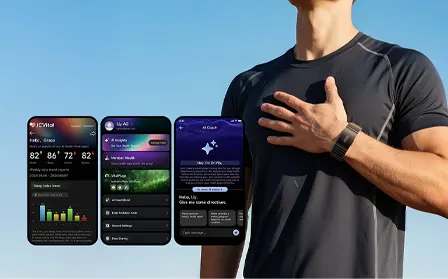
Wearable devices are increasingly becoming data sources for fitness applications, wellness platforms, connected health solutions, and digital health ecosystems.
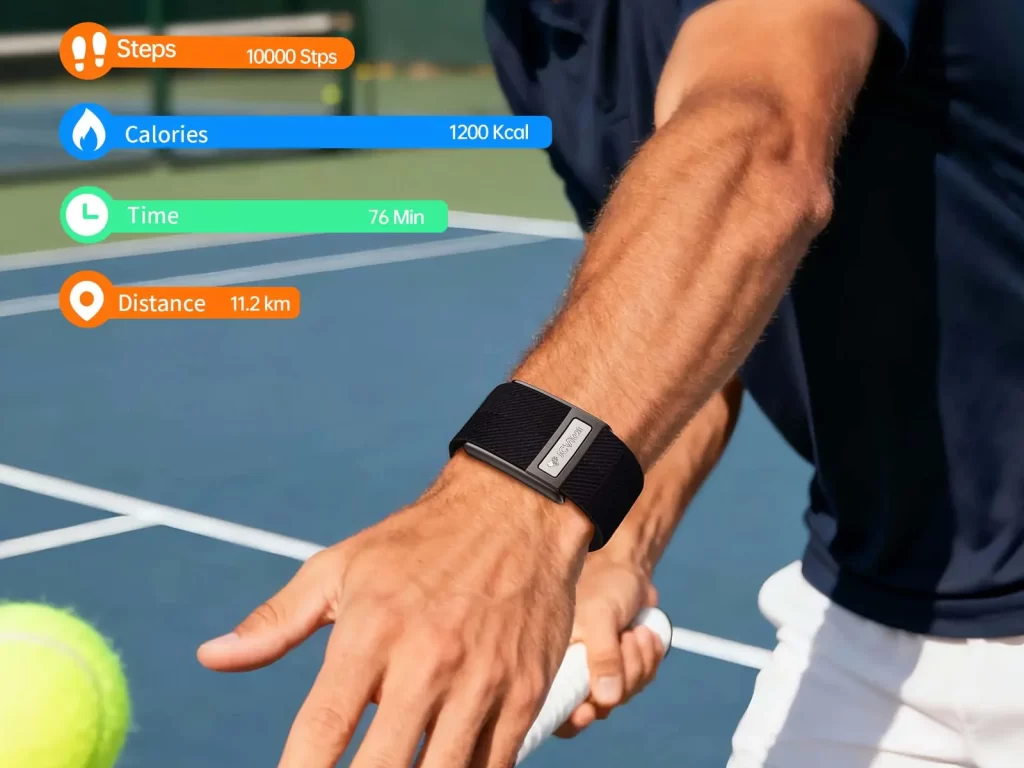
Smart bands, smart rings, and other wearable devices can collect different types of information, including heart rate, HRV, steps, activity, sleep, SpO₂, workout data, and other supported physiological or wellness metrics.
For app developers, however, collecting wearable data is only the first step.
The more important challenge is:
How can wearable health data be transferred from the device into your own iOS or Android application in a reliable, structured, and scalable way?
A typical wearable data architecture looks like:
Wearable Device
      ↓
Sensors
      ↓
Device Firmware
      ↓
Bluetooth Low Energy
      ↓
GATT / SDK
      ↓
iOS / Android App
      ↓
Local Data Layer
      ↓
Cloud API
      ↓
Your Platform
Depending on the wearable and project requirements, developers may use direct BLE/GATT integration, an SDK, an API, or a combination of these approaches.
This guide explains how wearable health data integration works, what developers should prepare before development, how iOS and Android handle BLE communication, how to structure wearable data, and what B2B companies should evaluate when selecting a smart band or smart ring for their own application.
What Is Wearable Health Data Integration?
Wearable health data integration is the process of connecting a wearable device to a software application so that supported device data can be transferred, processed, stored, and presented within the application's own environment.
For example:
Smart Band
    ↓
Heart Rate
Steps
Sleep
SpO₂
Workout
    ↓
BLE
    ↓
Mobile App
    ↓
Data Processing
    ↓
User Dashboard
For a B2B application, the architecture may continue further:
Wearable
    ↓
Mobile App
    ↓
Cloud Backend
    ↓
Analytics
    ↓
Customer Platform
This approach can allow a company to build its own user experience around wearable data instead of relying entirely on a manufacturer's consumer application.
The exact capabilities depend on the wearable's hardware, firmware, communication protocol, SDK/API and project configuration.
What Health Data Can Wearables Provide?
Different wearable devices support different combinations of sensors and data fields.
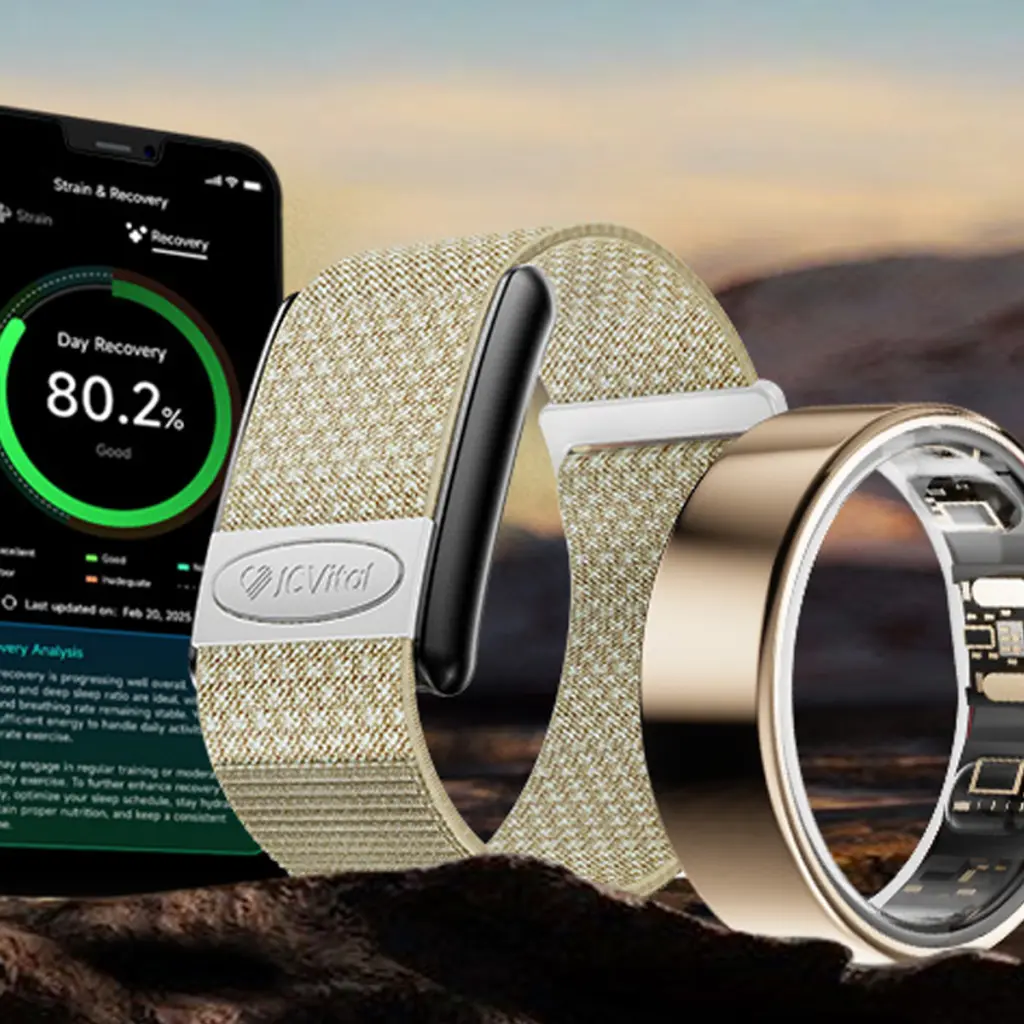
A smart band may potentially provide:
- Heart rate
- Heart rate variability (HRV)
- Steps
- Activity
- Calories
- Workout duration
- Sleep-related data
- SpO₂
- Recovery-related metrics
- Device status
- Historical records
A smart ring may provide a different combination of metrics depending on its hardware and firmware.
For developers, it is important to distinguish between:
Data the device can collect
and
Data the application can actually access.
A wearable may have a sensor internally, but the application interface may expose only selected data fields.
Therefore, the technical evaluation should always include a data-access specification, not just a sensor list.
Why Integrate Wearable Data Into Your Own App?
For B2B customers, wearable integration can become part of a broader digital product strategy.
A company may already have:
- A fitness application
- A wellness platform
- A digital health application
- A sports application
- A corporate wellness platform
- A connected-device ecosystem
- A customer dashboard
- A cloud-based data platform
In these situations, the wearable becomes one data source within the customer's existing ecosystem.
A typical architecture is:
                 YOUR DIGITAL PLATFORM

          ┌─────────────────────────┐
          │       Mobile App        │
          └────────────┬────────────┘
                       │
                  SDK / BLE
                       │
          ┌────────────▼────────────┐
          │      Wearable Device    │
          └────────────┬────────────┘
                       │
                    Sensors
                       │
          ┌────────────▼────────────┐
          │     Wearable Data       │
          └─────────────────────────┘
The advantage of this architecture is that the customer can design the application experience, analytics, user interface, and backend around its own product requirements.
How Does Wearable Data Move From a Device to an App?
A wearable integration normally involves several technical layers.
Layer 1: Sensors
Sensors collect the underlying signals.
Examples can include:
- Optical sensors
- Motion sensors
- Accelerometers
- Gyroscopes
- Other supported physiological sensors
Layer 2: Firmware
The wearable firmware processes sensor information and manages device functions.
Layer 3: Bluetooth Low Energy
BLE provides the wireless communication channel between the wearable and smartphone.
Layer 4: GATT
GATT defines the structure through which BLE services and characteristics can be discovered and accessed.
Bluetooth's GATT specification defines procedures including service discovery, characteristic discovery, reading, writing, notifications, and indications.
Layer 5: SDK or Application BLE Layer
The customer's application can communicate with the wearable either through:
- Direct BLE/GATT
- Manufacturer SDK
- API
- SDK + API
Layer 6: Application Data Layer
The application converts device data into the application's own data model.
Layer 7: Cloud
If required, the application can synchronize selected data with the customer's backend platform.
What Is BLE and Why Is It Important for Wearable Integration?
BLE stands for Bluetooth Low Energy.
It is widely used for communication between mobile devices and low-power connected devices.
Apple's Core Bluetooth framework provides APIs for applications to communicate with Bluetooth Low Energy devices.
A simplified wearable architecture is:
Wearable
   ↓
Bluetooth Low Energy
   ↓
GATT
   ↓
Mobile Application
For a wearable integration project, BLE is therefore often one of the first technical areas developers need to understand.
What Is GATT?
GATT stands for Generic Attribute Profile.
GATT provides a service framework for organizing data exchanged between Bluetooth devices.
A simplified structure looks like:
GATT Server
│
├── Service
│   ├── Characteristic
│   └── Characteristic
│
├── Service
│   ├── Characteristic
│   └── Characteristic
│
└── Service
    └── Characteristic
A Characteristic can support different operations, such as:
- Read
- Write
- Notify
- Indicate
Bluetooth SIG's current GATT specification explicitly defines service and characteristic discovery as well as reading, writing, notifications, and indications.
For health-related wearable applications, Bluetooth SIG also defines the Generic Health Sensor Profile, which provides a standardized framework for communicating health-related observations from personal health devices through GATT.
Not every commercial smart band or smart ring necessarily implements the same standardized profile. Some products may use proprietary services and characteristics.
Therefore, developers should request the actual technical documentation for the selected device.
What Is the Difference Between BLE, GATT, SDK, and API?
These terms are related but represent different layers.
| Technology | Main Role |
|---|---|
| BLE | Wireless communication |
| GATT | Data/service structure over BLE |
| SDK | Software tools for application integration |
| API | Interface for accessing software services or data |
A simple comparison is:
BLE
↓
Communication Channel

GATT
↓
Data Structure

SDK
↓
Developer Integration Tools

API
↓
Software/Data Interface
A wearable project may use one or several of these technologies.
For a deeper explanation, see:
Smart Band SDK vs API: What Do Developers Need for Wearable App Integration?
How to Integrate Wearable Data With an iOS App
Apple provides Core Bluetooth for communicating with BLE devices.
The basic architecture is:
iOS App
   ↓
Core Bluetooth
   ↓
Scan
   ↓
Discover Device
   ↓
Connect
   ↓
Discover Services
   ↓
Discover Characteristics
   ↓
Read / Write / Notify
   ↓
Decode Data
   ↓
Store Data
Apple describes Core Bluetooth as the framework for communicating with Bluetooth-equipped devices, including Bluetooth Low Energy peripherals.
Step 1: Initialize Bluetooth
The application creates the appropriate Core Bluetooth manager.
Step 2: Scan for the wearable
The application searches for compatible BLE peripherals.
Step 3: Identify the device
The application can use information such as:
- Device name
- Service UUID
- Manufacturer data
- Other supported identifiers
Step 4: Connect
The application establishes a BLE connection with the wearable.
Step 5: Discover services
The application identifies the GATT services exposed by the device.
Step 6: Discover characteristics
The application identifies the characteristics used for:
- Reading data
- Writing commands
- Receiving notifications
Step 7: Subscribe to notifications
If supported, the application can subscribe to characteristics that send updates.
Step 8: Decode the data
The application converts the received byte data into meaningful values.
Step 9: Store and process
The application stores the data according to its own architecture.
iOS Background Integration Considerations
Wearable applications frequently need to synchronize data when the application is not actively visible.
This makes background behavior an important part of the technical design.
Apple's current Core Bluetooth documentation notes changes relevant to iOS 26 and later for certain background BLE activities, including scenarios involving Live Activities.
Developers should therefore evaluate:
- Connection behavior
- Background execution
- Reconnection
- Data synchronization
- Battery impact
- User permissions
- Current iOS requirements
The exact implementation should follow Apple's current platform documentation rather than assuming that foreground BLE behavior will work identically in the background.
How to Integrate Wearable Data With an Android App
Android also provides APIs for Bluetooth Low Energy communication.
A typical architecture is:
Android App
     ↓
BLE Scanner
     ↓
Discover Wearable
     ↓
Connect
     ↓
GATT
     ↓
Discover Services
     ↓
Discover Characteristics
     ↓
Read / Write / Notify
     ↓
Decode Data
     ↓
Store Data
For Android applications, developers should consider:
- Bluetooth permissions
- Device discovery
- GATT connection
- Service discovery
- Characteristic operations
- Notifications
- Reconnection
- Data synchronization
- Android version compatibility
For a detailed BLE-focused implementation guide, see:
How to Access Smart Band Data Through BLE: A Practical Guide for iOS and Android
How to Design the Wearable Data Layer
One of the most important development decisions is separating the BLE communication layer from the application's business logic.
A recommended architecture is:
BLE Layer
    ↓
Protocol Decoder
    ↓
Validation Layer
    ↓
Normalized Data Model
    ↓
Local Database
    ↓
Application Services
    ↓
Cloud API
This structure makes the application easier to maintain.
For example, the raw wearable data might be converted into an internal data model:
{
  "deviceId": "DEVICE_ID",
  "timestamp": "2026-09-07T10:30:00Z",
  "heartRate": 76,
  "steps": 5820,
  "activity": "walking"
}
The actual field names, units, data types, timestamps, and packet structures depend on the wearable.
The important principle is:
Do not allow raw BLE packets to become your application's business model.
Instead:
BLE → Decode → Validate → Normalize → Store → Use
How to Handle Real-Time Wearable Data
Some applications need live data.
For example, a workout application may need:
Wearable
   ↓
Heart Rate
   ↓
BLE Notification
   ↓
Mobile App
   ↓
Workout Interface
Potential real-time use cases include:
- Workout heart rate
- Activity status
- Exercise duration
- Supported physiological metrics
- Device status
For these scenarios, developers should determine:
- Notification frequency
- Data latency
- Connection stability
- Packet size
- Data loss behavior
- Reconnection behavior
- Battery impact
Real-time integration should be tested under realistic movement and connectivity conditions.
How to Synchronize Historical Wearable Data
Not all wearable applications require continuous live streaming.
Sleep tracking is a good example.
A typical flow may be:
During Day / Night
       ↓
Wearable Stores Data
       ↓
User Opens App
       ↓
BLE Connection
       ↓
Historical Synchronization
       ↓
Application Database
       ↓
Sleep Dashboard
Bluetooth SIG's Generic Health Sensor specifications explicitly distinguish between live observations and stored observations.
For B2B application development, developers should therefore ask:
- Does the wearable store historical data?
- How long is data retained?
- How many records can be synchronized?
- Does each record have a timestamp?
- Can synchronization resume after interruption?
- How are duplicate records handled?
How to Normalize Wearable Health Data
Different devices may use different data formats.
For example:
Device A:
Heart Rate = 76 bpm

Device B:
HR = 76

Device C:
heart_rate = 7600
unit = 0.01 bpm
The application should normalize these values before they reach the business layer.
A normalized structure could be:
{
  "metric": "heart_rate",
  "value": 76,
  "unit": "bpm",
  "timestamp": "2026-09-07T10:30:00Z",
  "source": "wearable"
}
This approach can make it easier for a platform to support:
- Multiple wearable models
- Firmware updates
- Multiple product configurations
- Future hardware additions
- Different data sources
How to Build a Wearable Health Data Pipeline
A scalable architecture can look like:
               WEARABLE
                   │
                   ▼
             BLE / GATT
                   │
                   ▼
             Mobile App
                   │
         ┌─────────┴─────────┐
         ↓                   ↓
   Local Database       Data Processor
         │                   │
         └─────────┬─────────┘
                   ↓
               Cloud API
                   ↓
             Data Platform
                   ↓
        Analytics / Dashboard
The mobile application can act as the gateway between the wearable and the customer's cloud platform.
This architecture is particularly useful for companies developing their own digital health or wellness ecosystem.
What Wearable Data Should Your App Store?
Developers should avoid storing every available metric simply because the wearable can provide it.
Instead, define the minimum required data model.
For example:
Fitness Application
Steps
Heart Rate
Calories
Workout Duration
Activity
Sleep Application
Sleep Duration
Sleep Periods
Sleep-Related Metrics
Heart Rate
HRV
Wellness Platform
Heart Rate
HRV
Steps
Sleep
Activity
SpO₂
The exact data model should reflect the application's intended use.
This approach can reduce unnecessary complexity and make data governance easier.
Wearable Health Data Security and Privacy
Wearable data can contain sensitive personal information.
Security should therefore be considered across the entire data pipeline:
Wearable
   ↓
BLE
   ↓
Mobile App
   ↓
Local Storage
   ↓
Cloud
   ↓
Customer Platform
Developers should consider:
- Device authentication
- BLE security
- Encryption
- Secure local storage
- Secure API communication
- Access control
- User consent
- Data minimization
- Data retention
- Audit requirements
Bluetooth's Generic Health Sensor specifications also address security considerations for access to health-related GATT data.
The specific legal and compliance requirements depend on the application, market, intended use, and jurisdiction.
Wearable Data Is Not Automatically Medical Diagnosis
This distinction is especially important for digital health projects.
A wearable can collect physiological or wellness-related information without that information automatically constituting a medical diagnosis.
For example:
- Heart-rate data is not automatically a diagnosis.
- Sleep data is not automatically a clinical sleep study.
- SpO₂ data is not automatically a diagnosis.
- HRV data is not automatically a diagnosis of a medical condition.
Product claims should therefore match the actual device capabilities and intended use.
For applications that may fall within medical-device regulations, the development team should separately evaluate applicable regulatory requirements.
What About Blood Glucose Risk Assessment?
If a wearable platform includes a blood glucose risk assessment, the terminology should remain precise.
A blood glucose risk assessment means an assessment of potential blood-glucose-related risk.
It is not the measurement of a specific blood glucose value.
Therefore, it should not be presented as direct blood glucose measurement and cannot replace medical testing, professional medical evaluation, or medical diagnosis.
This distinction should be maintained consistently across:
- Product pages
- Mobile applications
- Marketing content
- User interfaces
- Technical documentation
SDK vs Direct BLE Integration
There are two common approaches for connecting a wearable to an application.
Direct BLE/GATT
Wearable
   ↓
BLE
   ↓
GATT
   ↓
Your BLE Layer
   ↓
Your App
This approach gives developers greater control over the communication layer when the necessary technical documentation is available.
SDK
Wearable
   ↓
BLE
   ↓
Manufacturer SDK
   ↓
Your App
An SDK can provide a higher-level integration layer.
The appropriate choice depends on:
- Development resources
- Required data
- Product architecture
- Protocol documentation
- Customization requirements
- Long-term maintenance strategy
For a more detailed comparison, see:
What Should Developers Ask a Wearable Manufacturer?
Before starting integration, ask for a technical package covering the following areas.
Hardware
- Sensor list
- Sensor configuration
- Bluetooth capability
- Battery specification
- Firmware
- Product dimensions
- Water-resistance rating
Data
- Heart rate
- HRV
- Steps
- Calories
- Sleep
- SpO₂
- Activity
- Workout
- Historical data
BLE
- Service UUIDs
- Characteristic UUIDs
- Read characteristics
- Write characteristics
- Notification characteristics
- Indication characteristics
- Packet format
- Data encoding
- Timestamp format
SDK/API
- iOS SDK
- Android SDK
- API documentation
- Sample code
- Data dictionary
- Integration guide
- Firmware compatibility
OEM/ODM
- Logo customization
- Packaging
- Firmware customization
- App customization
- Hardware customization
- Private-label requirements
- Production requirements
This checklist can help the development team identify integration requirements before committing to a complete application architecture.
How to Test a Wearable Before App Development
A sample-based technical evaluation can reduce integration uncertainty.
A practical process is:
Business Requirements
        ↓
Data Requirements
        ↓
Select Wearable
        ↓
Sample Testing
        ↓
BLE Testing
        ↓
SDK / Protocol Evaluation
        ↓
iOS Testing
        ↓
Android Testing
        ↓
Data Validation
        ↓
Pilot Integration
        ↓
OEM / ODM Production
Technical testing checklist
- Device discovery
- BLE connection
- GATT service discovery
- Characteristic discovery
- Read operations
- Write operations
- Notifications
- Historical synchronization
- Data decoding
- Timestamp validation
- Reconnection
- iOS testing
- Android testing
- Firmware compatibility
J-Style Wearable Solutions for B2B App Integration
J-Style, operated by Joint Chinese Ltd / Youhong Medical, provides B2B smart wearable solutions for companies developing fitness, wellness, connected monitoring, digital health, and wearable technology products.
The J-Style Smart Band Collection can be evaluated according to different application, sensor, connectivity, and customization requirements.
For B2B customers, wearable selection should begin with the required data architecture and application requirements.
JCVital V8 ECG Smart Band
The JCVital V8 ECG Smart Band can be evaluated for projects requiring a smart-band form factor and health-oriented wearable functionality.
For application integration, developers should evaluate:
- Required data fields
- BLE connectivity
- SDK/API requirements
- iOS compatibility
- Android compatibility
- Historical synchronization
- Firmware
- OEM/ODM requirements
The exact integration capabilities should be confirmed for the selected product configuration and project requirements.
Applicable JCVital smart band models can feature IP68 water resistance. The exact rating should always be confirmed against the selected model and configuration.
J-Style Smart Ring Solutions
Some applications may benefit from a smart ring rather than a wrist-worn wearable.
The J-Style Smart Ring Collection provides another wearable form factor for B2B product development.
The JCRing Med X3 Blood Oxygen Ring can be evaluated for projects involving a compact smart-ring form factor.
JCRing smart ring products use a 5ATM water-resistance specification for the applicable model. Product-specific specifications should always be confirmed before commercial publication.
How to Choose the Right Wearable for Your App
The best wearable for an application is not necessarily the device with the largest number of sensors.
A better selection process is:
1. Define Your Application
          ↓
2. Define Required Data
          ↓
3. Define Real-Time Requirements
          ↓
4. Define Historical Data Requirements
          ↓
5. Define BLE / SDK / API Requirements
          ↓
6. Select Candidate Device
          ↓
7. Test Samples
          ↓
8. Validate iOS & Android
          ↓
9. Validate Data
          ↓
10. Begin OEM / ODM Development
For example, a fitness application may primarily require:
Steps
+
Heart Rate
+
Calories
+
Workout
While a wellness or connected health platform may require:
Heart Rate
+
HRV
+
Sleep
+
SpO₂
+
Historical Data
+
BLE / SDK
+
iOS / Android
The correct wearable should therefore be selected based on the complete hardware + data + connectivity + software + business requirements.
Wearable Health Data Integration Checklist
Before starting a production integration project, developers can use this checklist.
Data Requirements
- Required metrics confirmed
- Data definitions confirmed
- Units confirmed
- Sampling behavior confirmed
- Real-time data confirmed
- Historical data confirmed
Connectivity
- BLE confirmed
- GATT documentation received
- Service UUIDs received
- Characteristic UUIDs received
- Notifications tested
- Reconnection tested
Software
- iOS integration tested
- Android integration tested
- SDK evaluated
- API evaluated
- Protocol documentation received
Product
- Hardware validated
- Sensor configuration confirmed
- Firmware version confirmed
- Battery requirements reviewed
- Water-resistance specification confirmed
Business
- OEM requirements
- ODM requirements
- Branding
- Packaging
- Production quantity
- Long-term product support
Frequently Asked Questions
How do I integrate wearable health data into my own mobile app?
The typical process is to connect the wearable to the mobile application through BLE, discover its supported GATT services and characteristics, receive or read available data, decode the data, normalize it into your application data model, and optionally synchronize it with your cloud platform.
Can I connect a smart band directly to my own app?
Potentially, yes. The wearable must provide an appropriate integration interface, such as direct BLE/GATT access, an SDK, an API, or another supported integration method.
Can wearable health data be integrated into both iOS and Android?
Yes, when the selected wearable provides compatible interfaces. iOS uses Core Bluetooth for BLE communication, while Android provides its own Bluetooth and GATT APIs. Apple's official documentation describes Core Bluetooth as the framework for communicating with BLE devices.
Do I need an SDK to integrate wearable data?
Not necessarily. Direct BLE/GATT integration may be possible when sufficient protocol documentation is available. Other projects may use an SDK or API depending on the product architecture.
What wearable data can be integrated into a mobile app?
Depending on the device, data may include heart rate, HRV, steps, calories, activity, workout information, sleep-related data, SpO₂, and historical records.
Can wearable data be synchronized to my own cloud platform?
Yes, a common architecture is wearable → BLE → mobile app → cloud API → customer platform. The exact implementation depends on the wearable interface and the customer's software architecture.
Can a wearable send real-time heart-rate data to an app?
Some wearable configurations support real-time or periodic data transmission. Developers should confirm the available notification mechanism, update frequency, latency, and firmware behavior for the selected device.
Can a wearable store historical health data?
Some devices can store data locally and synchronize historical records to the mobile application. Developers should confirm storage capacity, retention period, synchronization behavior, timestamps, and available historical fields.
Is wearable health data the same as medical data?
Wearable data may include physiological or wellness-related information, but the data itself does not automatically constitute a medical diagnosis. The intended use, product claims, algorithms, regulatory status, and target market should be evaluated separately.
Can a wearable measure blood glucose?
A wearable should not be assumed to directly measure blood glucose. If a product provides a blood glucose risk assessment, it refers to risk assessment rather than measurement of a specific blood glucose value and cannot replace medical diagnosis.
What should I request from a wearable manufacturer before development?
Request the sensor specification, data dictionary, BLE/GATT documentation, service and characteristic information, SDK/API documentation, sample code, iOS/Android support information, firmware requirements, historical data behavior, and OEM/ODM specifications.
Can J-Style support wearable OEM and ODM projects?
J-Style provides B2B wearable solutions covering smart bands, smart rings, product customization, and OEM/ODM project evaluation according to the customer's hardware, data, software, and production requirements.
Conclusion
Integrating wearable health data into your own mobile application requires more than connecting a Bluetooth device.
A successful architecture typically involves:
Sensors → Firmware → BLE → GATT / SDK → iOS / Android → Data Layer → Cloud → Customer Platform
Before development begins, app developers should define:
- What data is required
- Whether data needs to be real-time
- Whether historical data is required
- How data will be accessed
- Whether direct BLE, SDK, API, or a combination is appropriate
- How data will be normalized
- How data will be secured
- How the wearable will fit into the customer's long-term product architecture
For B2B wearable projects, these technical decisions should be evaluated together with hardware, firmware, OEM/ODM, customization, and production requirements.
Explore the J-Style Smart Band Collection, evaluate the JCVital V8 ECG Smart Band, or consider the JCRing Med X3 Blood Oxygen Ring when evaluating different wearable form factors.